
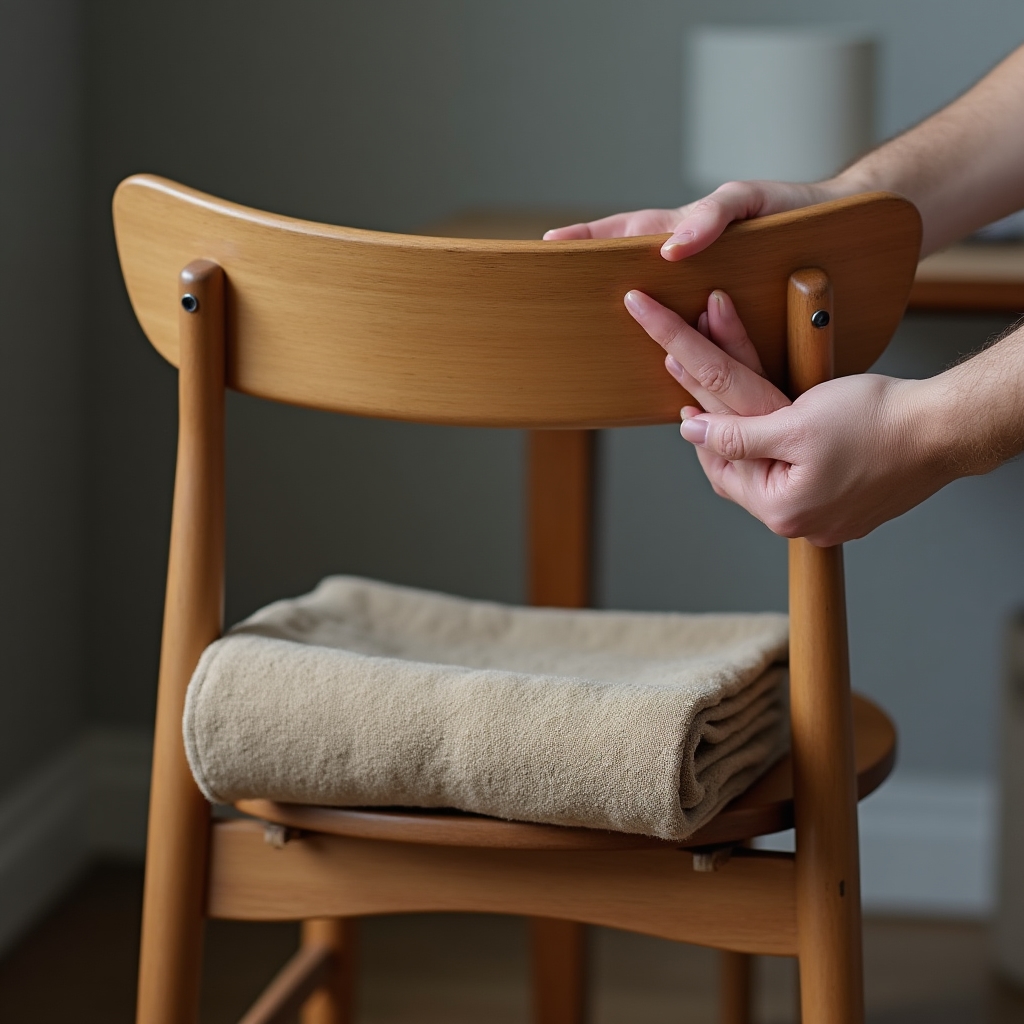
 Module 01
Adjusting a Regular Chair to Reduce Spinal Load
How to set seat height, depth, and backrest angle on a chair that was never built with lumbar support in mind, using folded towels, cushions, and a bit of geometry.
Workplace Wellness Education
Four short, video-guided modules explain what eight hours of daily sitting does to your neck, shoulders, and lower back, and what published biomechanics research actually suggests you do about it.
Educational course content. Not a substitute for physical therapy or personalized medical advice.

The Setup Nobody Planned For
When remote work moved into spare bedrooms and kitchen corners, most people improvised. A laptop went on a table meant for meals. A dining chair, upright and flat, became an eight-hour seat. Nobody measured monitor height or seat depth because nobody thought it would last this long.
It lasted. And the body responded the way bodies respond to load applied in the wrong place, for a long time, over and over: tightness in the upper trapezius, a dull ache low in the back by mid-afternoon, a neck that feels locked after a video call marathon. None of this means something is broken. It usually means the workstation is asking the spine to do a job it wasn't positioned to do.
Discomfort from prolonged sitting is largely a mechanical loading problem. Chair geometry, monitor position, and desk height distribute force through the spine differently depending on how they're arranged.
This course draws on published occupational biomechanics and ergonomics literature, translated into plain, practical adjustments you can make with things already in your home.
Four Modules, Four Adjustments
Each module includes a short video demonstration you can follow along with at your own desk, plus a written breakdown of the reasoning behind each adjustment.
Module 01
How to set seat height, depth, and backrest angle on a chair that was never built with lumbar support in mind, using folded towels, cushions, and a bit of geometry.
 Module 02
Why looking down at a low screen for hours changes the load on the cervical spine, and how a simple stack of books can bring the top third of the screen to eye level.
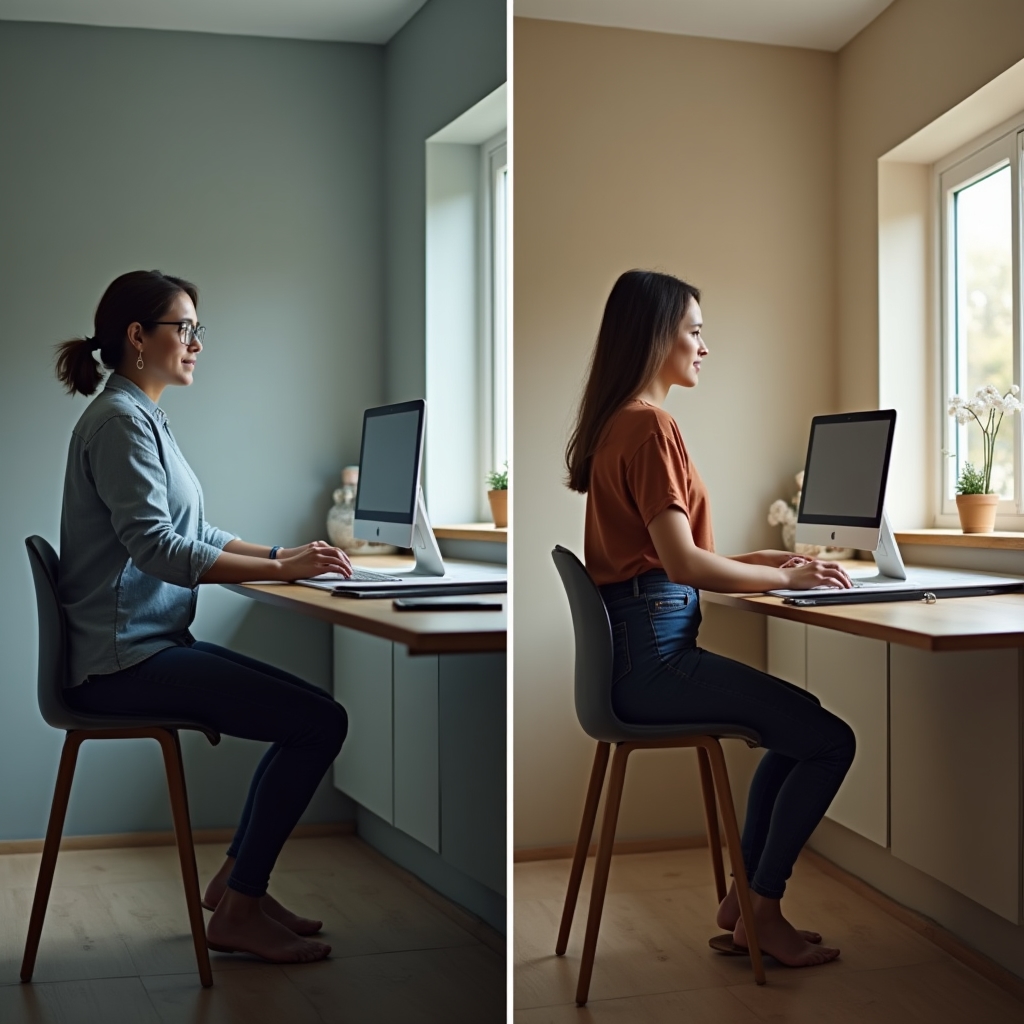 Module 03
Standing shifts load away from the seated spine, but it can introduce new strain at the hips, knees, and lower back if the transition isn't managed. What the research says about who benefits.
 Module 04
Five brief movements you can do without leaving your desk, and what tends to change in mobility and tension patterns after roughly two weeks of consistent practice.
Inside the Course
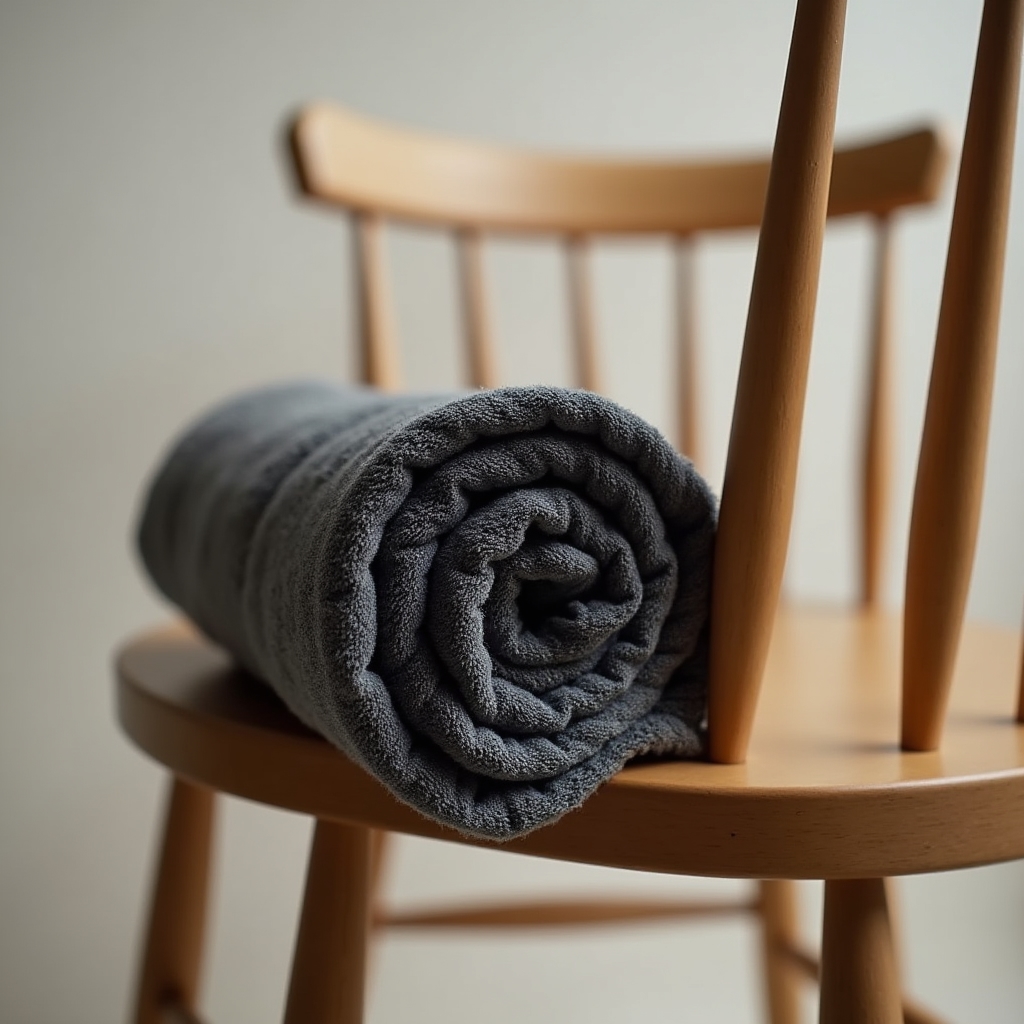
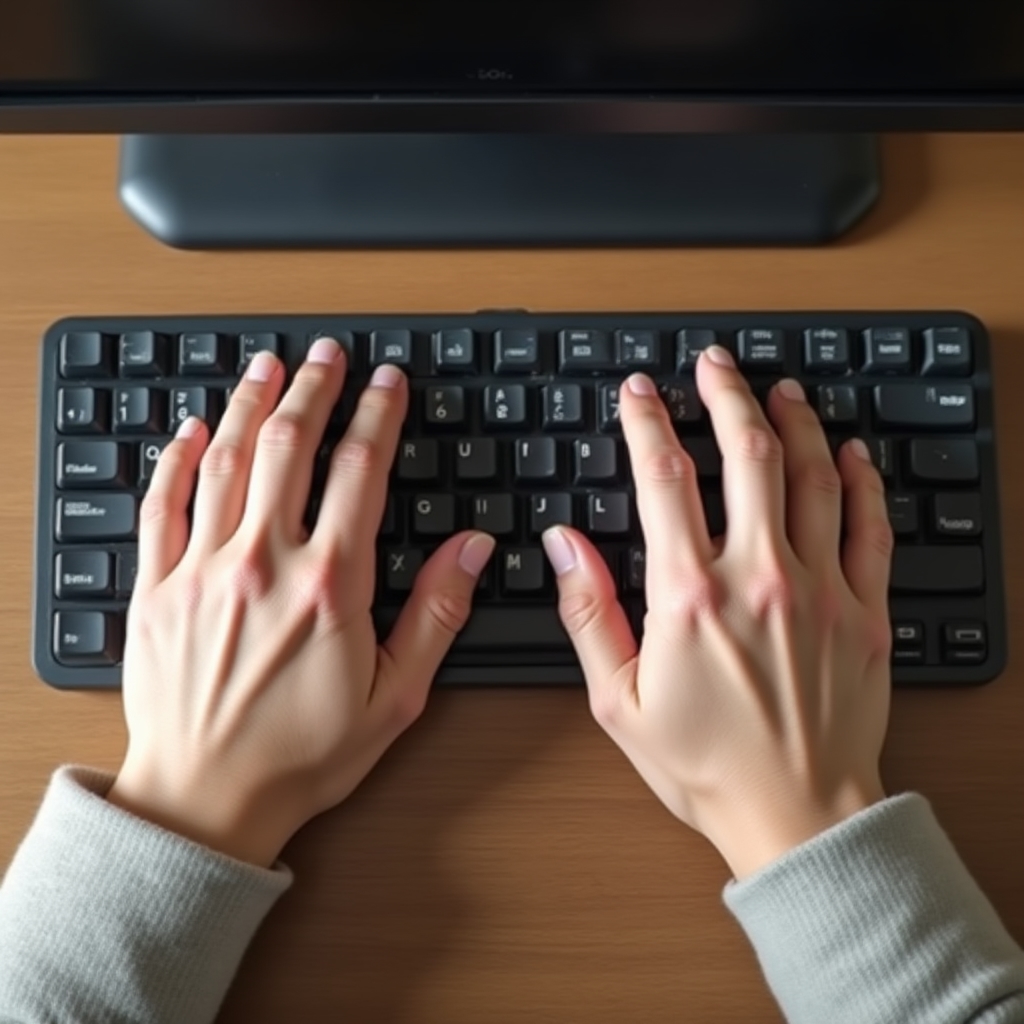
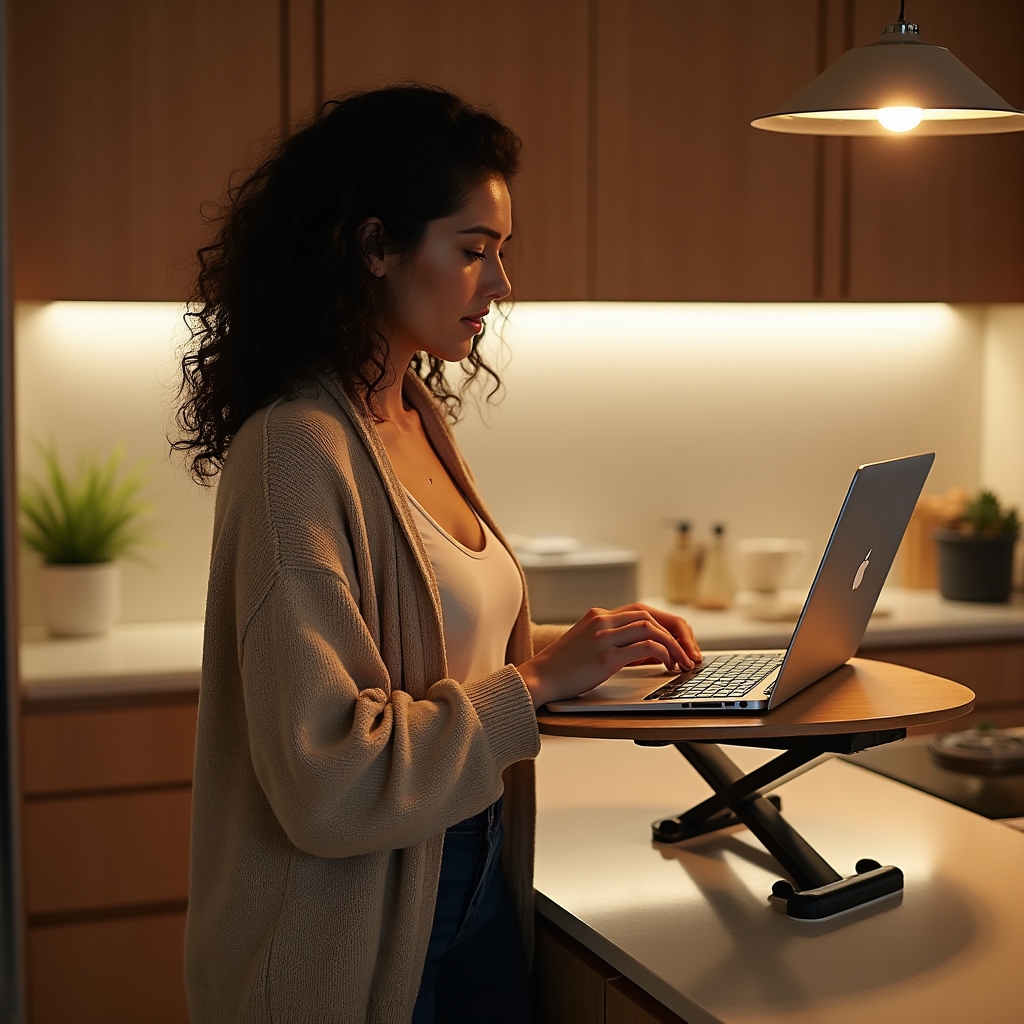
Every module leans on details that are easy to miss in a quick glance around your workspace. The gallery below highlights a few of the specific reference points covered in the video demonstrations.

Common Patterns This Course Addresses
How It's Structured
Each of the four modules opens with a short video demonstration, filmed at a real kitchen-table workstation so the adjustments are easy to map onto your own setup. Videos run alongside a written explanation of the underlying biomechanics, so you understand the "why" and not just the "how."
Lessons are designed to be watched once, then referenced again while you make the actual adjustment at your desk. There's no fixed schedule. You move through the modules at whatever pace fits your week.
The recommendations in this course are drawn from peer-reviewed research in occupational ergonomics and spinal biomechanics, not from anecdote. Where research findings differ or remain unsettled, such as the mixed evidence on sit-stand desks, the course says so directly instead of oversimplifying.
This is education, not treatment. If pain is persistent, sharp, or worsening, the course encourages speaking with a physician or licensed physical therapist rather than relying on video content alone.
This course was written for people working from kitchen tables, dining chairs, and laptop stands that were never intended as office furniture. It's equally relevant whether you've been remote for years or started last month.
It also suits anyone curious about the reasoning behind common ergonomic advice, rather than someone looking for a diagnosis or a treatment plan for an existing injury.
Most of the adjustments taught in this course use household items: a firm cushion or rolled towel, a stack of hardcover books, a kitchen timer or phone alarm, and the chair and table you already sit at. No specialized ergonomic equipment is required to follow along.
A Note on What This Course Is
Everything in this course is framed as information, not as personalized medical guidance. We reference published biomechanics and occupational health research so you can understand general mechanisms, such as how forward head posture increases load on the cervical spine, or how seat depth affects pelvic tilt.
We don't assess your individual body, your medical history, or an existing injury. If you're managing a diagnosed condition or ongoing pain, this course is meant to sit alongside guidance from a qualified clinician, not replace it.
Concepts are traced back to published ergonomics and biomechanics research, referenced plainly throughout each module.
This is a general education course, not a clinical service, and does not provide individualized treatment plans.
Demonstrations use kitchen chairs, dining tables, and household objects, not commercial office equipment.
Workspace ergonomics isn't a one-time fix. It's a habit of small corrections, repeated until they stop feeling like corrections. The four modules walk you through the first set of adjustments, one at a time.